Northeast Venice Park opened

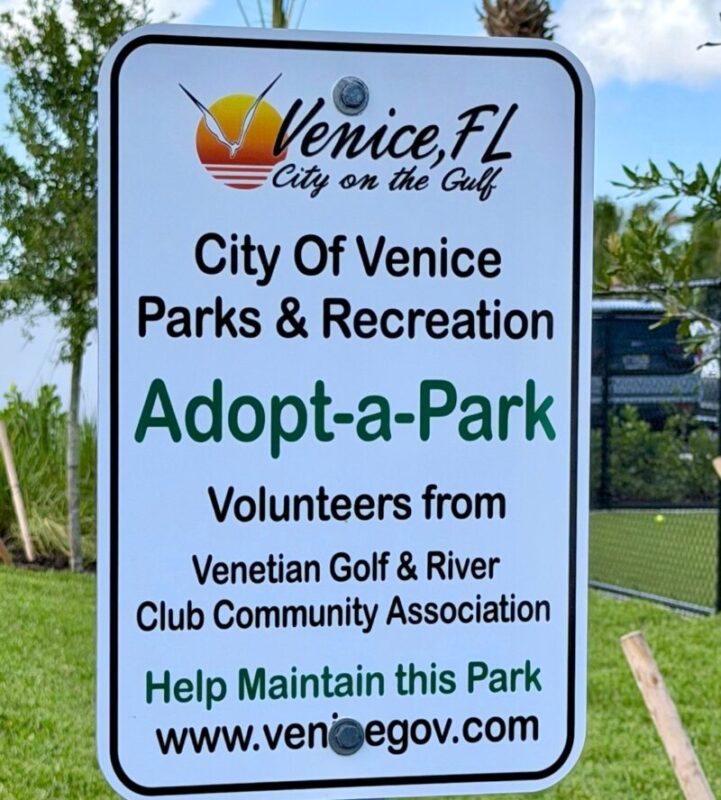
As long planned, the Northeast Venice Park on the south side of Laurel Road near Knights Trail opened to the public on June 15.  The Venetian was represented at the opening by Community Association (CA) board members Mark Faford, Tom Jones, Steve Hefler and Roger Effron.  As reported earlier, the CA has been appointed “sponsor” of this park, meaning we will participate in quarterly inspections to assess the safety and cleanliness of the park.  The park’s many features are listed in the email below, sent to demonstrate our commitment to maintaining friendly and constructive relations with our local government. We hope you and your family will avail yourselves of this new attraction.  Lastly – if you would like to participate in the Park’s sponsorship group, please drop a line to vgrcca@gmail.com 

June 17 email from Community Association Co-Presidents

To: Mayor Pachota and members of the Venice City Council:

On behalf of the Venetian Golf and River Club’s Community Association, we would like to congratulate all City employees-past and present-involved with the planning, financing, engineering, construction and maintenance of the new Northeast Venice Park located on Laurel Road. This new park is beautiful and has exceeded all expectations! Venice residents will be thrilled with the 8 outdoor pickleball courts, fitness trail and equipment, children’s playgrounds, dog parks, restrooms and paved parking area. We think it will be a significant enhancement to the Northeast Venice neighborhood and will show current and prospective residents why living in our city is a great value. 

We had the pleasure to personally meet and thank A.J. Ribas of A2 Group Construction, Kelsie Shy of Kimley Horn Engineers, Ricky Simpson, Venice Public Works Director, Tricia Matero, Public Works Administrative Coordinator and, of course, James Clinch, our City Manager.  Clearly, this project, started in 2020, required extensive coordination and you all hit a “home run”!

Our Community Association is honored to be chosen to “Adopt” the Northeast Venice Park and we look forward to assisting the city in maintenance of this beautiful park.  

Please extend our congratulations to all involved with this amazing new park! A sincere “thanks” to all of you! 

Kind regards, Mark Faford and Tom Jones, co-presidents

Venetian Golf & River Club Community Association

Same day reply from Rachel Frank of the Venice City Council

Thank you for your kind words and for taking the time to share your feedback. We are grateful for the Community Association’s ongoing support of the park. 

2026 Annual Hurricane Preparation Meeting well-attended

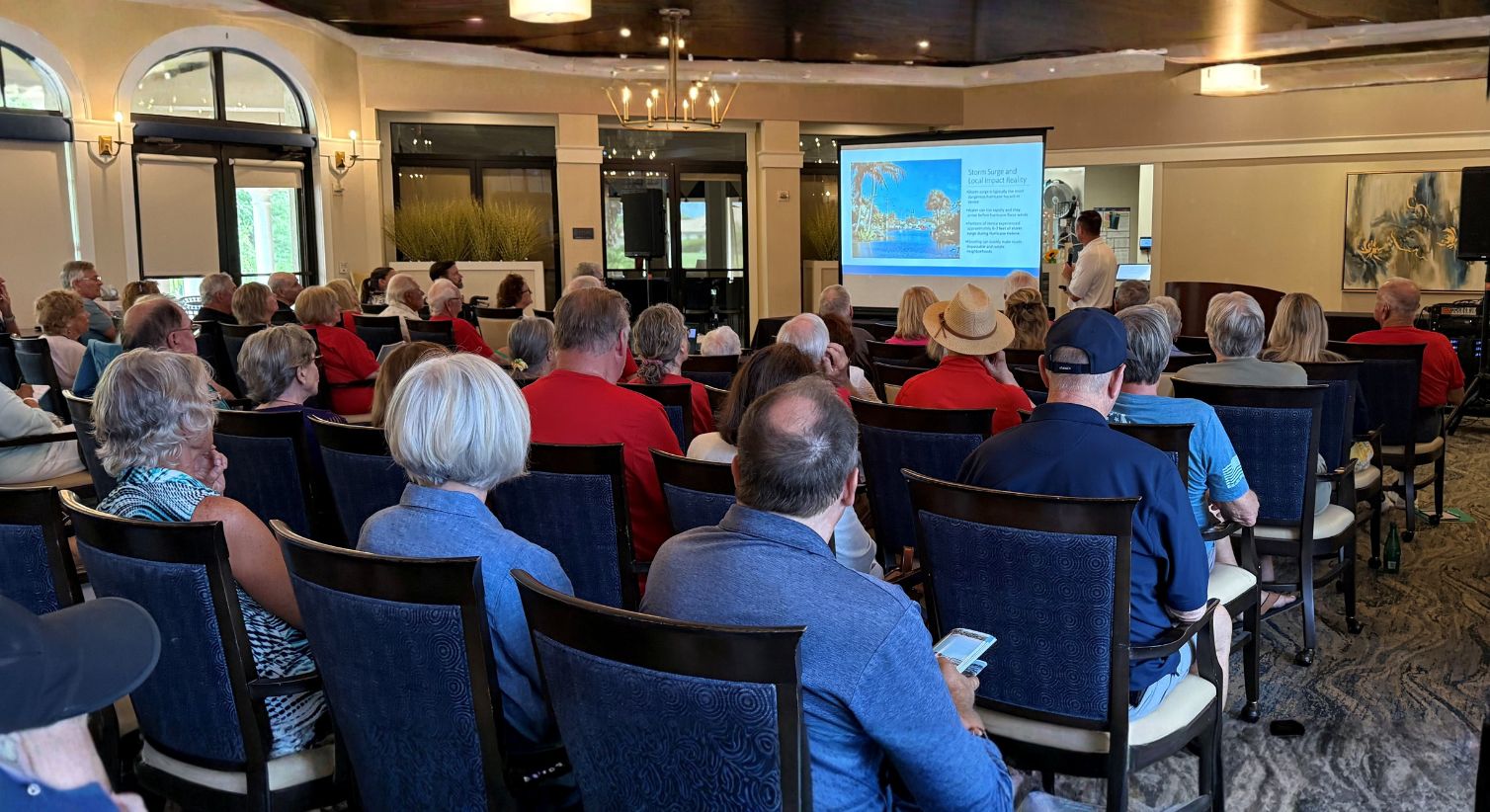
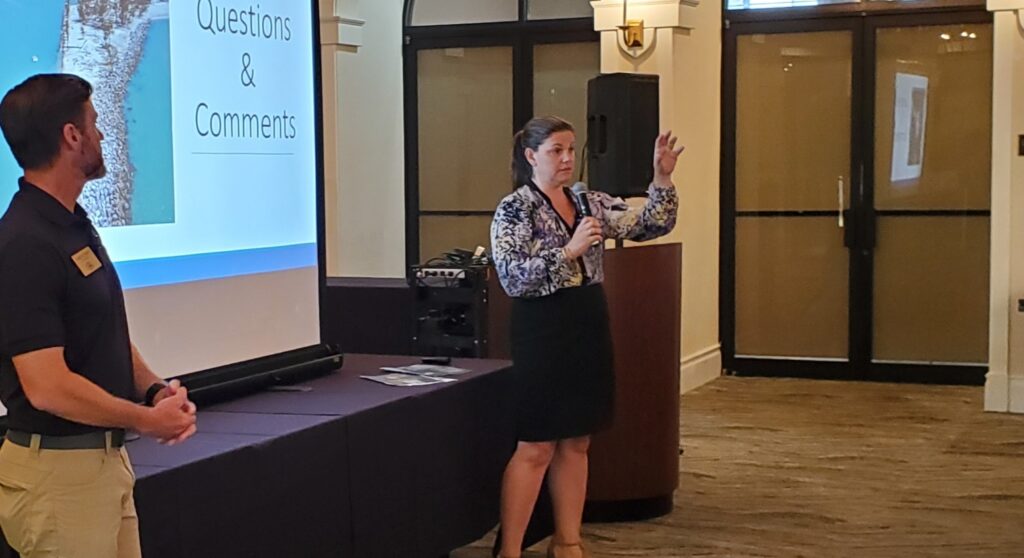
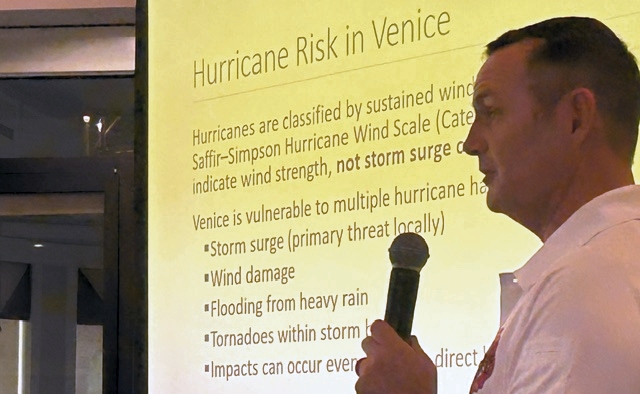
June 1st was not only the first day of the hurricane season, but also the day that Sandra Tapfumaneyi, Chief of Emergency Management for Sarasota County, James Clinch, Venice City Manager and Frank Giddens, Fire Department Chief educated and motivated our community about the need for hurricane preparedness.  They presented information on how to prepare for storm emergencies and explained the roles and responsibilities shared by their three organizations in preparing for and responding to storms.

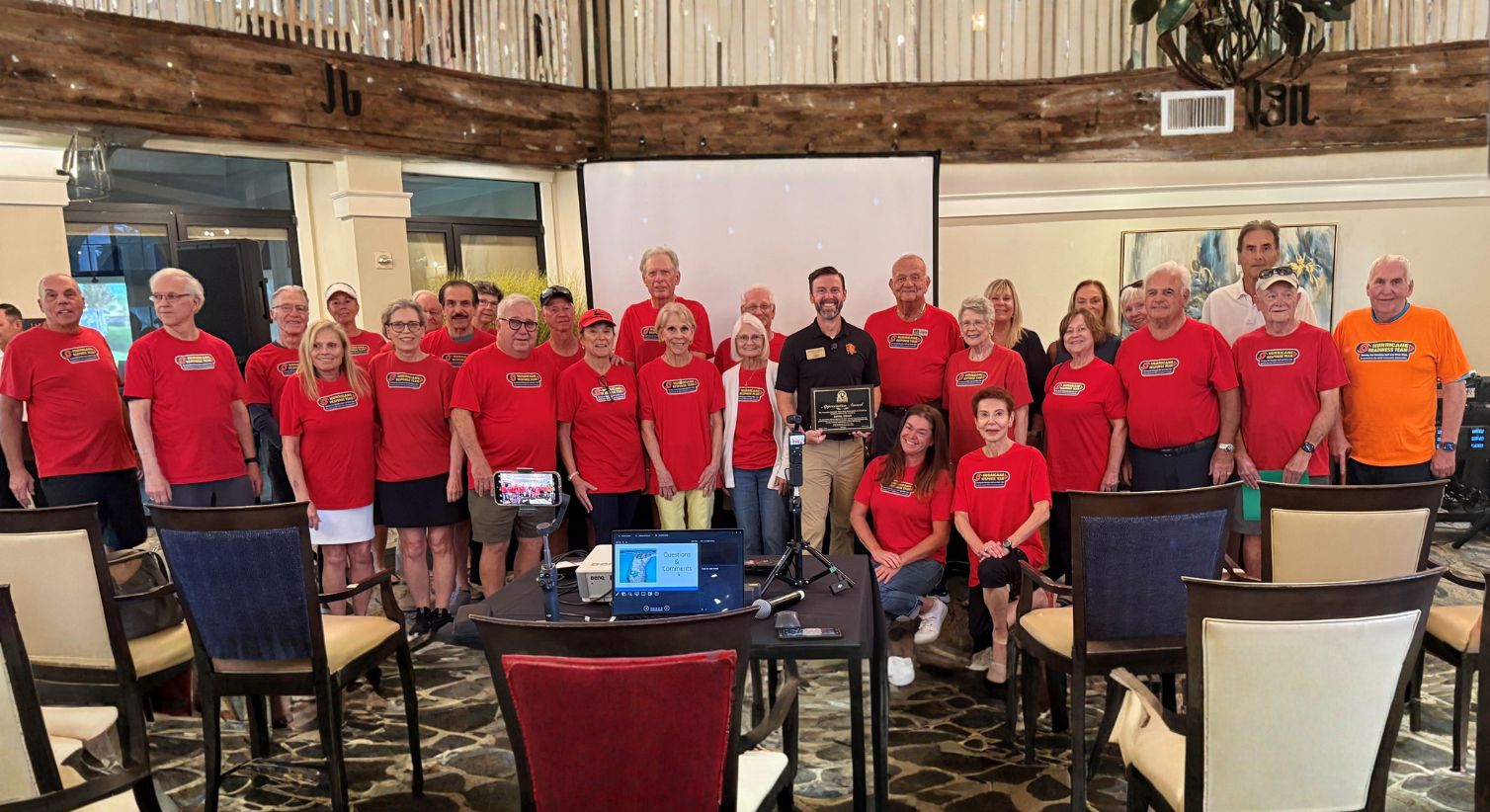
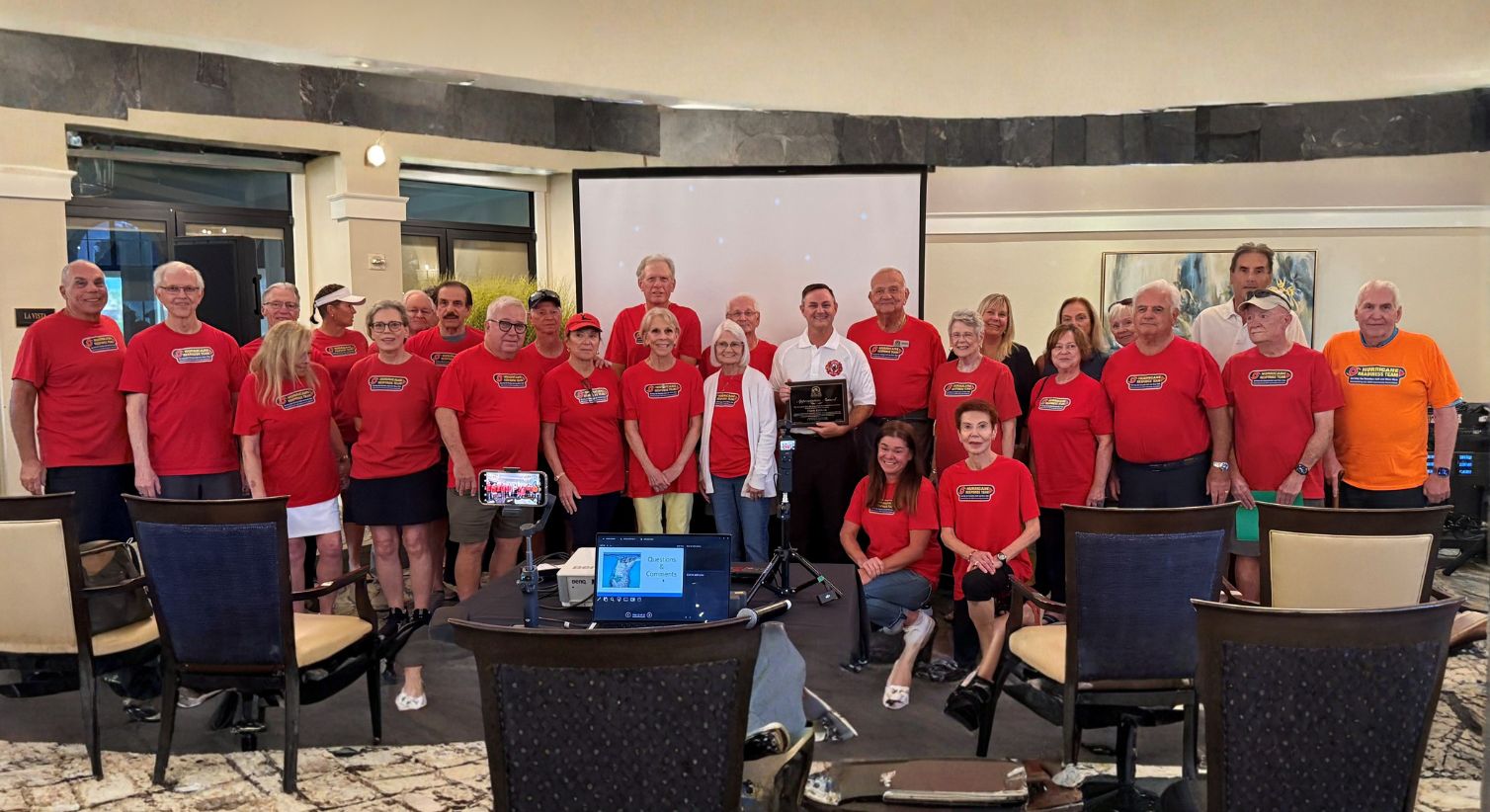
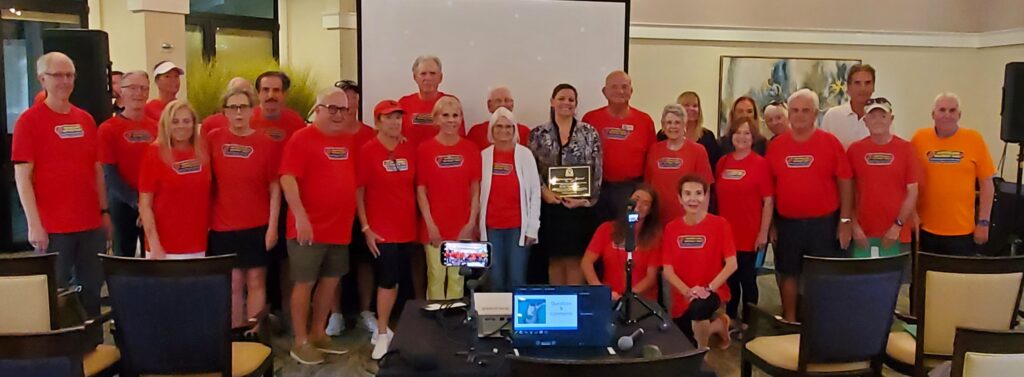
Sandra, James and Frank were each presented with a plaque indicating our appreciation for speaking at our event and for what they do for our community. The members of the HRT had their pictures taken with each speaker.

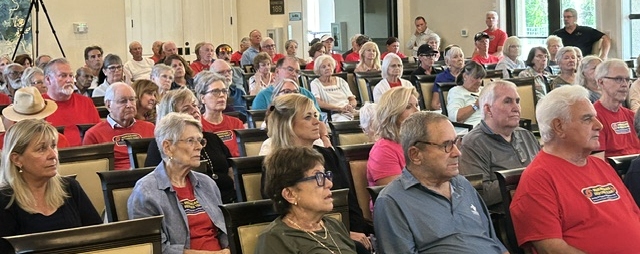
The River Club room was largely filled with members of the community, some of whom attend this event annually and others who are new to the community.  The audience warmly applauded the HRT members who were recognized for their commitment and service.  Several photos of this event are shown above.

We encourage residents who are interested in learning about hurricane preparedness and about volunteer opportunities with our HRT to explore the information on the Hurricane Corner page of this website.

Our HRT shares knowledge with the city-wide community at 2026 Hurricane Expo

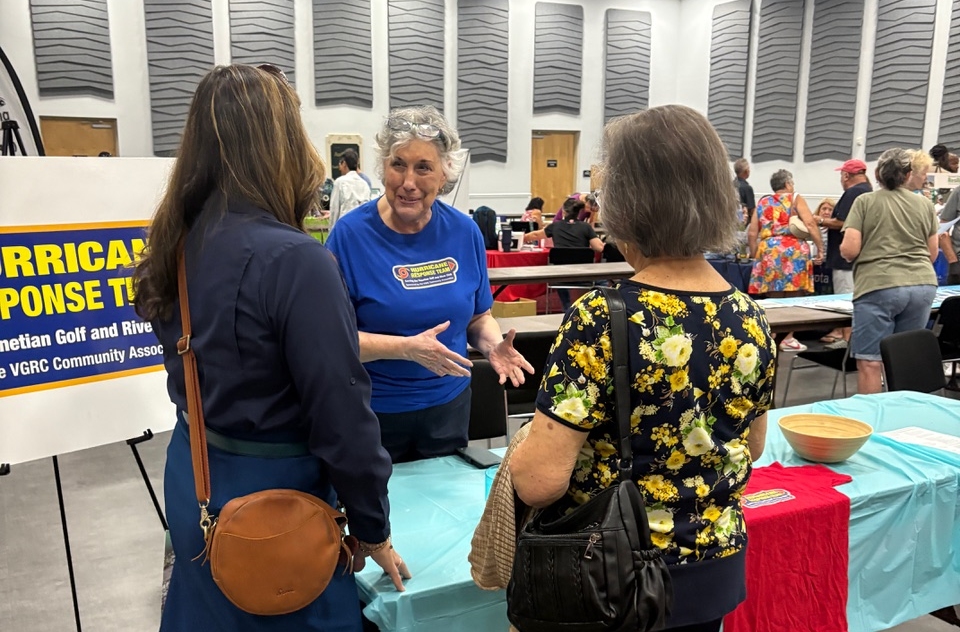
The City of Venice hosted another Hurricane Expo on Friday, May 29th at the Venice Community Center. For the second consecutive year, city officials invited our HRT to host a table and to share information with attendees on how to create and maintain a community hurricane response team program. The VGRC was the only community asked to participate and showcase its program, and there was a great deal of interest and appreciation expressed by those who stopped by. A couple attendees said that they had a group of CERT (Community Emergency Response Team) members who are activated after a storm; but unfortunately, most of those with whom we spoke said that there was no team in their community and agreed that one was needed. Handouts with an outline of our program contents and contact information was provided to anyone who was interested. City officials stopped by the booth and, as in the past, applauded the community for such a wonderful program.

“Staying Connected When the Cell Towers Are Down: A Guide to Satellite Texting” by Joe Browne

Emergency Communications
Staying Connected When the Cell Towers Are Down: A Guide to Satellite Texting


This informal guide covers how to use these life-saving features on an iPhone, with a brief look at similar options for Android below.

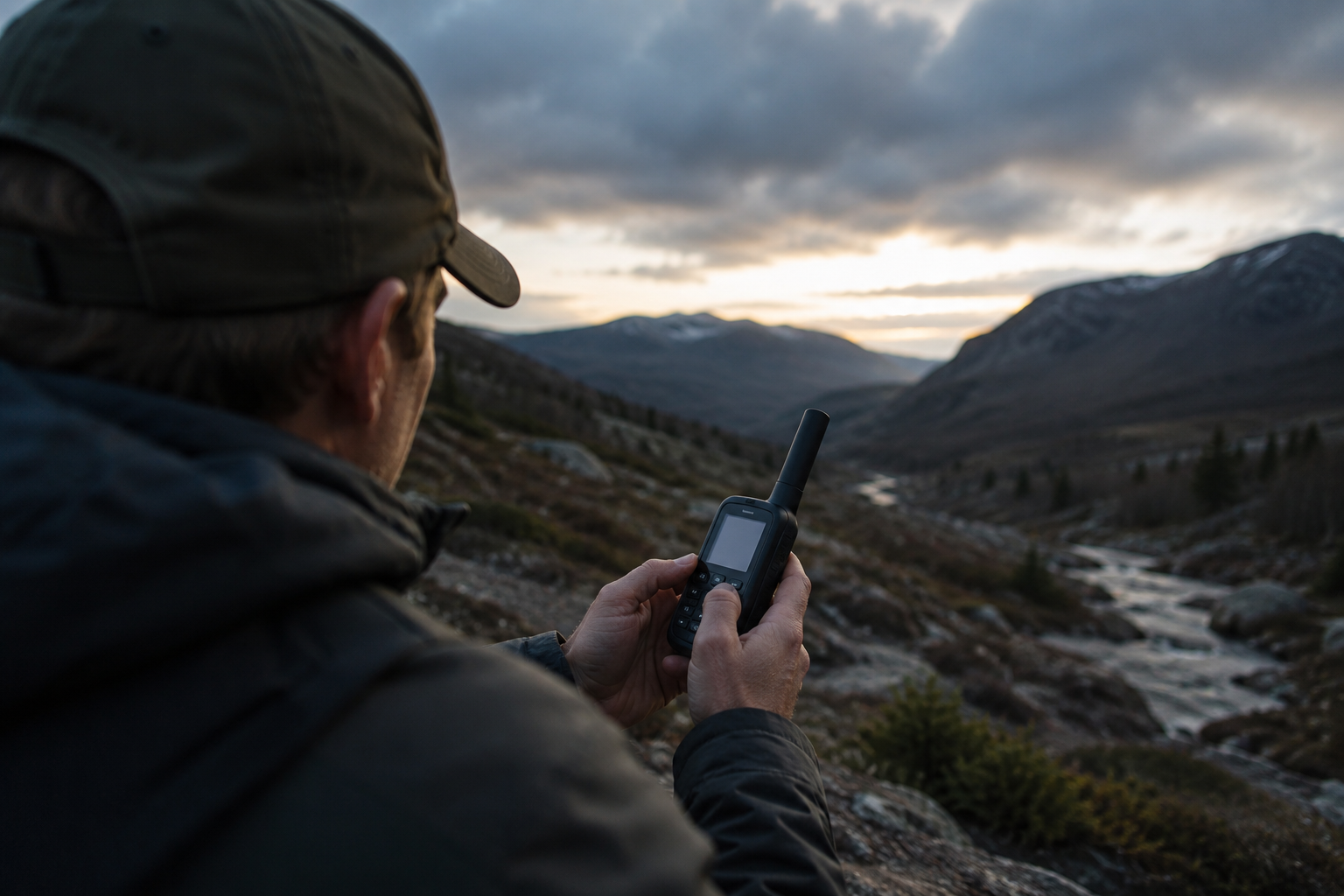
When severe weather or power outages take down local cell towers and Wi-Fi, modern smartphones can now act as satellite
communicators. This means you can bypass the cell network entirely by pointing your phone at satellites orbiting in space. https://support.apple.com/en-us/105097#:~:text=Satellite%20features%20on%20iPhone,family%2C%20and%20share%20your%20location.

1. Reaching First Responders (Emergency SOS)

If you are in a life-threatening situation (such as a medical emergency or severe accident) and have no cell service, your iPhone can contact 911 dispatchers directly. https://mashable.com/article/apple-emergencysos-via-satellite-iphone-14-nowlive#:~:text=Emergency%20SOS%20on%20iPhone%3A%20How,emergency%20services%20through%20your%20iPhone.

2. Contacting Loved Ones (Messages via Satellite)

You don’t have to be in a 911-level emergency to use the satellite. If you just need to tell your family you are safe after a storm, you can send standard text messages. https://support.apple.com/en-us/105097#:~:text=Satellite%20features%20on%20iPhone,family%2C%20and%20share%20your%20location.

  • Who has this capability: You need an iPhone 14, 15, 16 or 17, and your phone must be updated to iOS 18 or newer.
  • How to use it: When your phone loses all cell and Wi-Fi service, open your normal Messages app. A prompt will appear at the top of the screen offering to use the satellite connection.
  • What happens next: The phone will guide you to point your device toward a satellite. Once connected, you can text your friends and family.
  • Keep in mind: Satellite signals travel a long way and are much slower than regular cell service. A short text may take a minute or more to send. You cannot send photos, videos, or group texts—only words and emojis

How to Practice Safely (The Connection Demo)

The best time to learn how to connect to a satellite is before an emergency happens. Apple includes a risk-free “Demo Mode” that lets you practice aiming your phone at a real satellite without actually calling 911. https://mashable.com/article/apple-emergency-sos-via-satellite-iphone-14-now-live#:~:text=The%20demo%20will%20temporarily%20disable,and%20receive%20messages%20via%20satellite.

1.Step Outside:

You must be outdoors with a clear view of the sky. Trees, tall buildings, and roofs will block the satellite signal.

2.Open the Control Center:

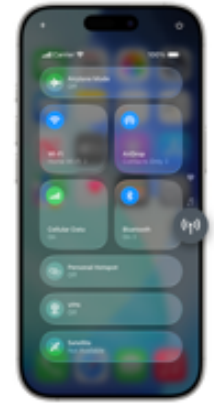
Swipe down from the very top-right corner of your iPhone screen.

3.Tap the Cellular Icon:

Look for the button with the antenna icon on the right side of the Control Center and tap it.

4.Select Satellite:

Tap the Satellite option, then select Try Demo. (Note: This will temporarily turn off your cell service and Wi-Fi to simulate a power outage).

5.Follow the On-Screen Tracker:

The screen will show a radar graphic. Simply turn your body left or right as the arrows instruct until your phone connects with a satellite passing overhead.

Once you are done practicing, you can exit the demo, and your normal phone service will immediately return.

What About Android Phones?

Android devices also offer satellite connections, though the method depends on the phone you have: https://www.att.com/device-support/article/wireless/000107337/Google/GoogleGGX8B

Where to Learn More

For official details and troubleshooting directly from Apple, you can read their comprehensive guide: Use Emergency SOS via satellite on your iPhone.